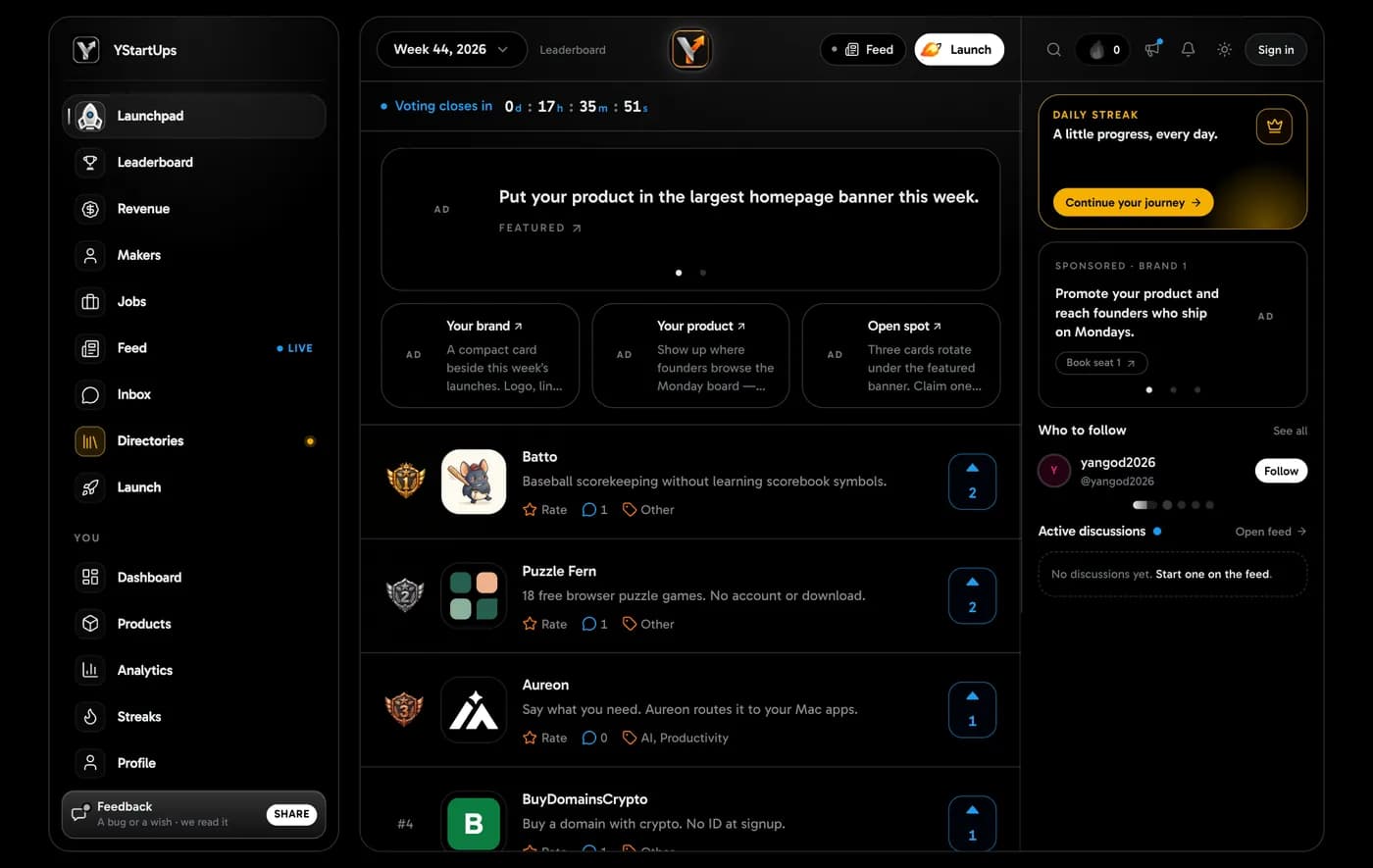
Getting started
Updated 1 November 2026
A good profile takes about five minutes. Here is the whole path, from nothing to a public page at /{username}.
1. Create the account
- Open Sign in, then choose to create an account.
- Use Google, or an email you can open and a password of 12 to 128 characters.
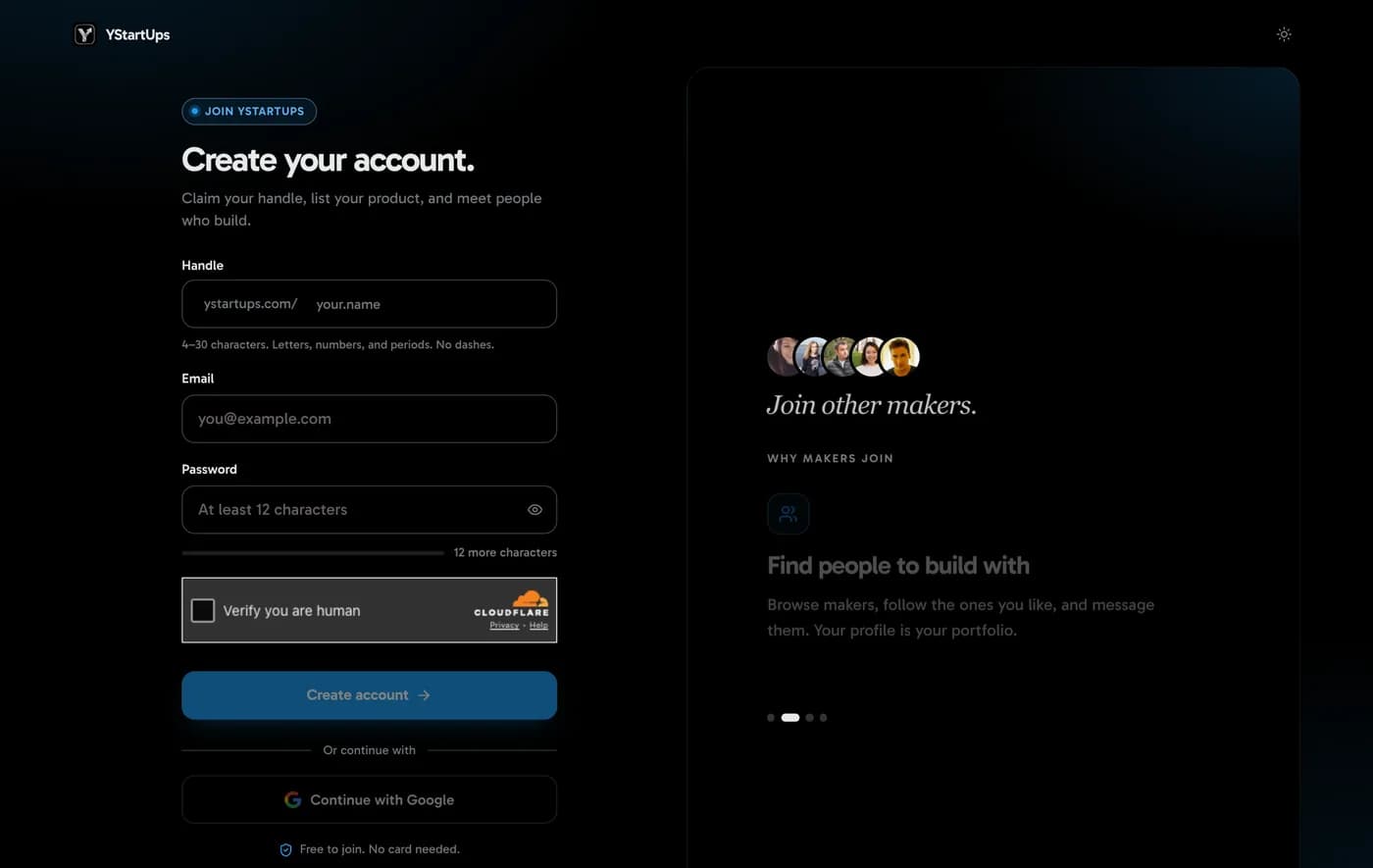
2. Claim your handle
Pick the name people will find you by. If it is taken, we suggest free ones. You can change it later.
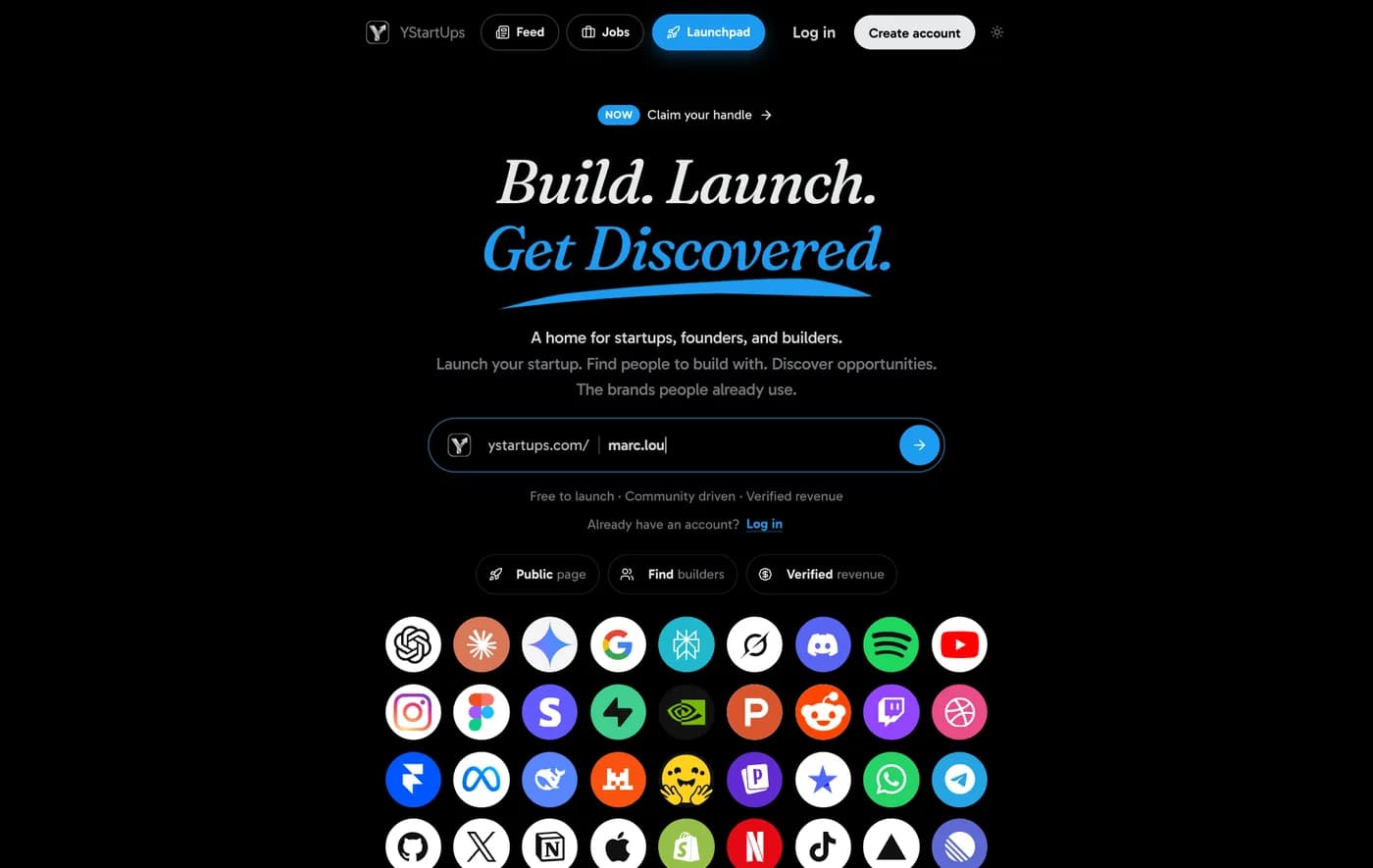
3. Open your dashboard
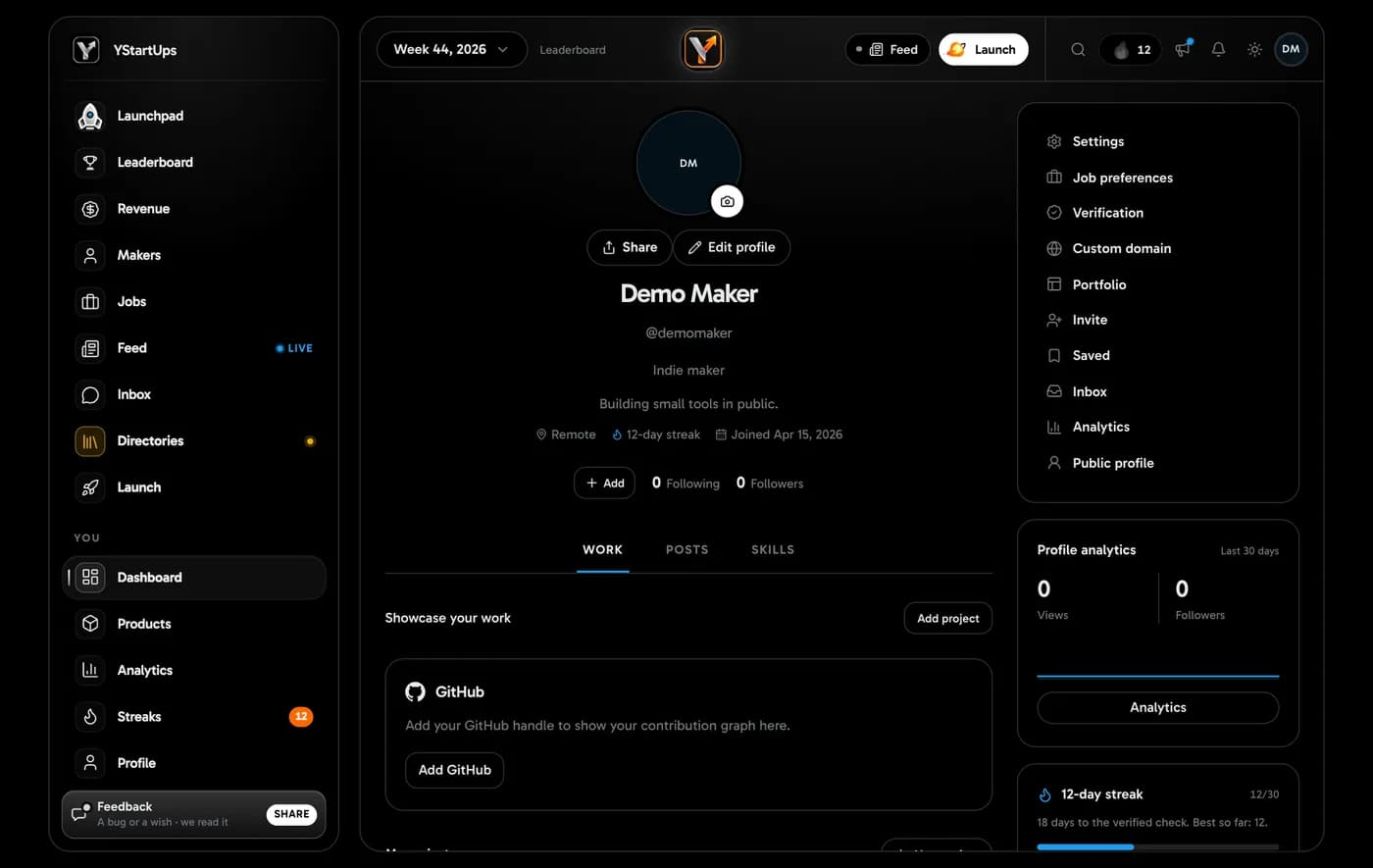
4. Add your details
Open Edit profile. Add a photo, your name, a short headline and a bio about what you build.
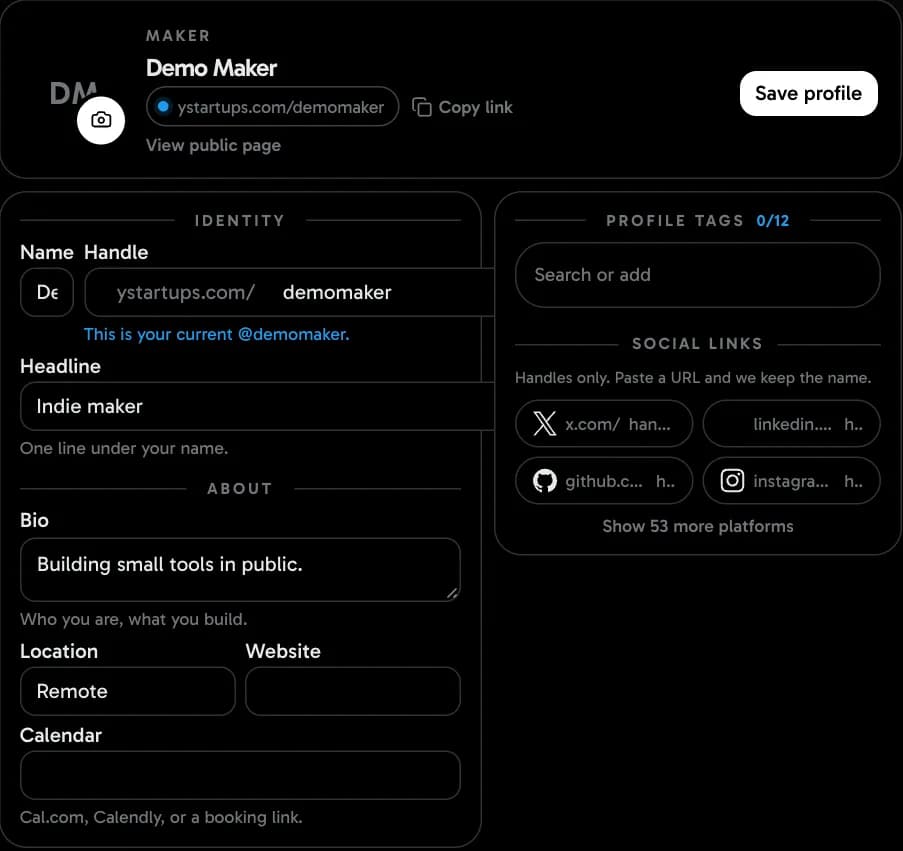
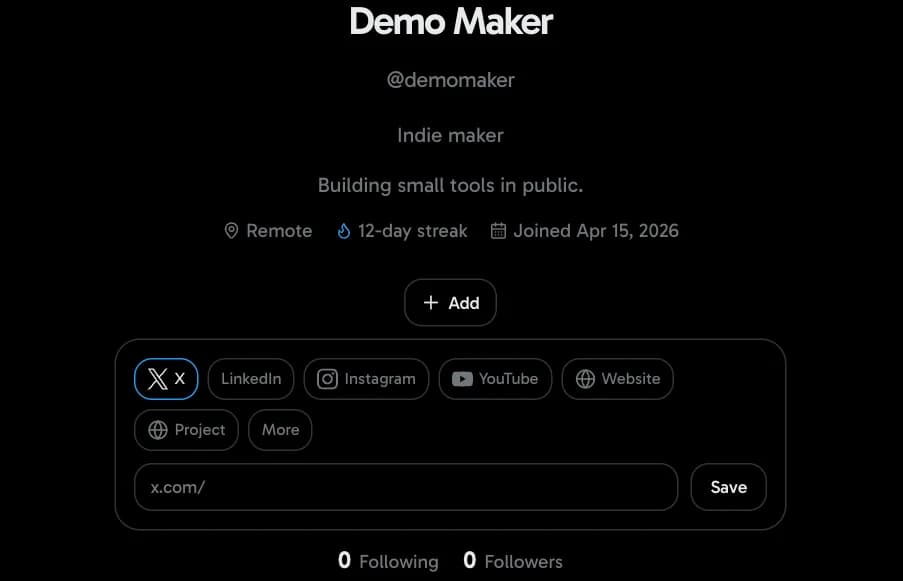
5. Link GitHub and X
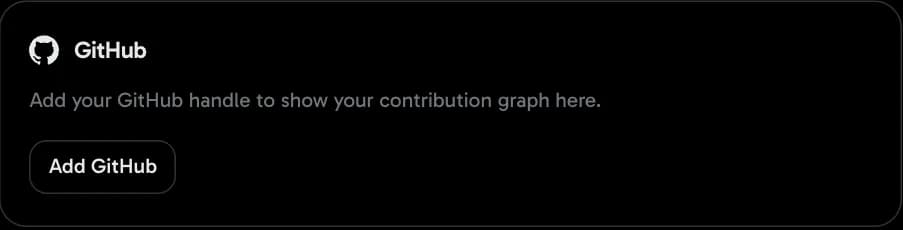
Handles are what fill your profile with real work. Add GitHub and your contribution year appears on the page.
Then
- Your maker profile: every field and the do's and don'ts.
- How to launch a product.
- Start a streak. Day 1 is today.